Paid Stamp
Customize a payment-status label and follow a tested insertion workflow on a fictional PDF invoice.
What you can customize
- Edit individual text layers and fonts.
- Change the border, ink color and spacing.
- Export a transparent PNG for documents or SVG for vector workflows.
Preview wording is sample content. Replace names, dates and numbers before using the design.
A paid stamp labels an invoice after you have checked its payment status in your records. The image itself does not establish that money was received. Keep the payment record and invoice reference in your accounting process.
Make the date and reference explicit
Fictional examples. Opening one replaces your current design; download your work first.
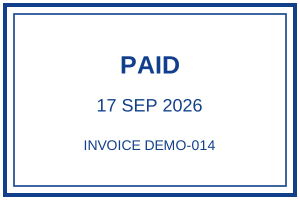
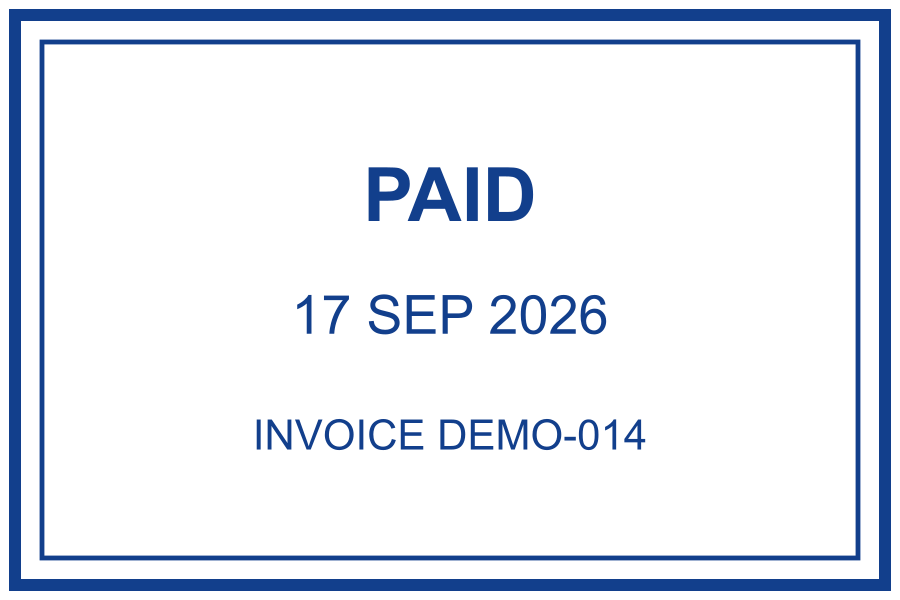
Open the example and replace the date and invoice reference. Both are fixed text layers; they do not update from an invoice or bank account. A reusable “PAID” design without a date may be more suitable if your document system supplies the transaction details separately.
Leave the invoice readable
FICTIONAL INVOICE · LAYOUT ILLUSTRATION
Invoice DEMO-014
Sample design service · 1 item · 120.00 example units
Reference and amount remain visible below the mark.
This is a layout illustration, not a screenshot of accounting software. Place the mark in a reserved area; do not cover the total, recipient, tax details or transaction reference. Avoid adding an amount to the reusable stamp where it could become inconsistent with the invoice.
Check the exported document
Follow the tested PDF insertion and save workflow using the same fictional Paid example. It includes the original and saved PDF for comparison.
Download a transparent PNG, insert it in a copy of the document and keep its proportions. Save under a new name, reopen that file and verify the mark, date and invoice number. For a Word source document, follow the Word insertion guide. Do not apply a stamp to a digitally signed file without checking how the modification affects its verification.
The star-chain variant offers a decorative alternative. Choose the simpler layout when the invoice space is limited.