Confidential Stamp
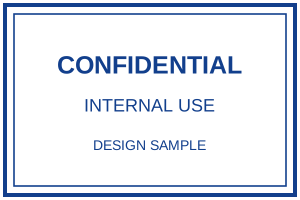
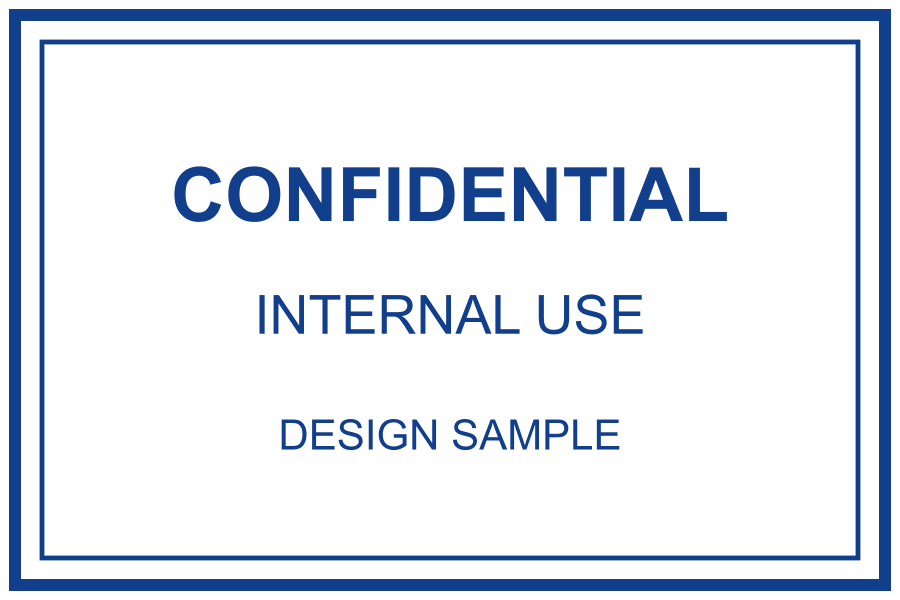
A striking “CONFIDENTIAL” stamp for sensitive documents.
What you can customize
- Edit individual text layers and fonts.
- Change the border, ink color and spacing.
- Export a transparent PNG for documents or SVG for vector workflows.
Preview wording is sample content. Replace names, dates and numbers before using the design.
Choose the wording for your document
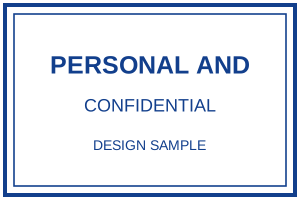
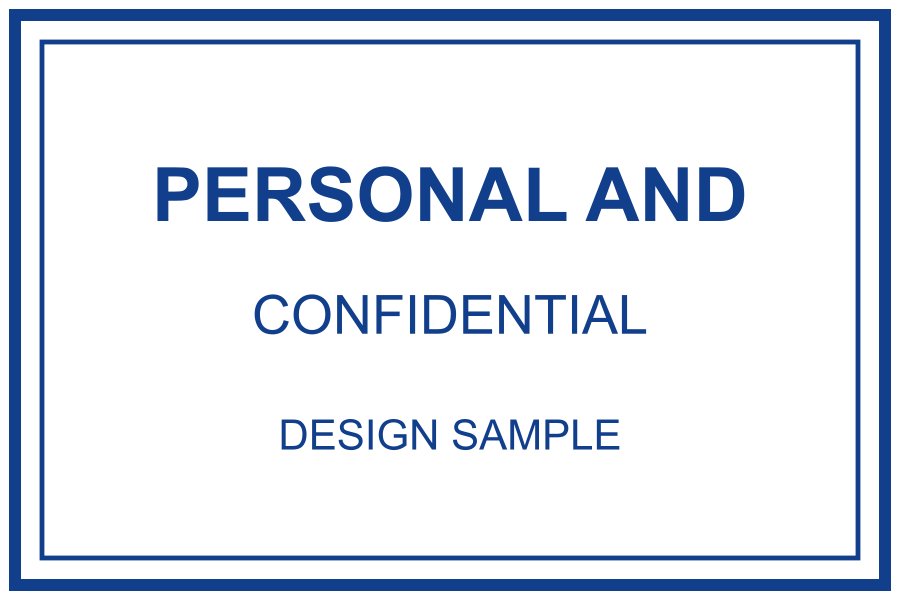
Use “Confidential” for a short document label, or “Personal and confidential” when the intended reader needs a more specific handling cue. Follow the wording used by your organisation. Keep the main phrase large and remove secondary lines that add no useful information.
Fictional examples. Opening one replaces your current design; download your work first.
Customize and export the label
- Open an example and select the text layer you want to change. Replace the sample wording and remove DESIGN SAMPLE before your own use.
- Keep a dark ink colour against a light page. If the label is too crowded, shorten the text before reducing the font size.
- Choose High (3×), leave Transparent background selected and download PNG. Use SVG when your destination supports it and check the fonts after opening.
- Insert the original image into your document. Resize proportionally and leave clear space around the label. Reopen the saved document to check the final placement.
Before and after: leave the document readable
This fictional layout shows a label in reserved space above the report title. Do not place it over a paragraph, total, signature or reference number. It is an illustration made for this guide, not a screenshot of Word or a PDF application.
FICTIONAL DOCUMENT · SAMPLE
Internal project note
The team will review the draft layout at the next meeting. This example contains no personal or confidential information.
FICTIONAL DOCUMENT · SAMPLE
Internal project note
The team will review the draft layout at the next meeting. This example contains no personal or confidential information.
A quick placement check
At the final document size, can you read every word of the label and all the text beneath it? Does the PNG have a transparent background? If the image looks soft, use the original export and avoid enlarging a small copy. Check a printed proof if the document will be printed.
What the label does and does not do
The mark tells readers how you intend the document to be handled. It does not encrypt the file, restrict downloads, hide content or control who can open it. Set the document’s sharing permissions separately. Keep any actual sensitive information out of public examples.