PNG vs SVG for Stamps: Pixels, Transparency and Print Size
Choose transparent PNG when you need a finished stamp image to insert into a document. Choose SVG when you need to resize vector artwork or pass it to a designer. Neither format sets the final printed size for you, and SVG does not turn a small imported logo into vector artwork.
PNG or SVG: choose by the next step
| Your next step | Useful starting format | Check before sending |
|---|---|---|
| Insert a stamp as a picture | PNG with transparency | Pixel dimensions and final document width |
| Edit text and shapes in another design tool | SVG | Fonts and supported SVG features |
| Send a design to a stamp manufacturer | The format the supplier requests | Physical size, minimum detail and text outlines |
| Show a preview to a colleague | PNG | Use the original download, not a messaging thumbnail |
Pixels, PPI and printer DPI are different
Pixels describe the image grid. PPI expresses how many of those pixels occupy one printed inch. Printer DPI describes output dots, which is a different measurement. Changing a metadata number does not add image detail. A 900-pixel image placed 40 mm wide has about 572 PPI; at twice the width, it has half that density.
For a requested 40 mm width at an illustrative 300 PPI, calculate 40 ÷ 25.4 × 300 = 472.44, then round up to 473 pixels. At 600 PPI, round up to 945 pixels. These are calculation examples, not universal manufacturing requirements.
What the Stampzio resolution setting changes
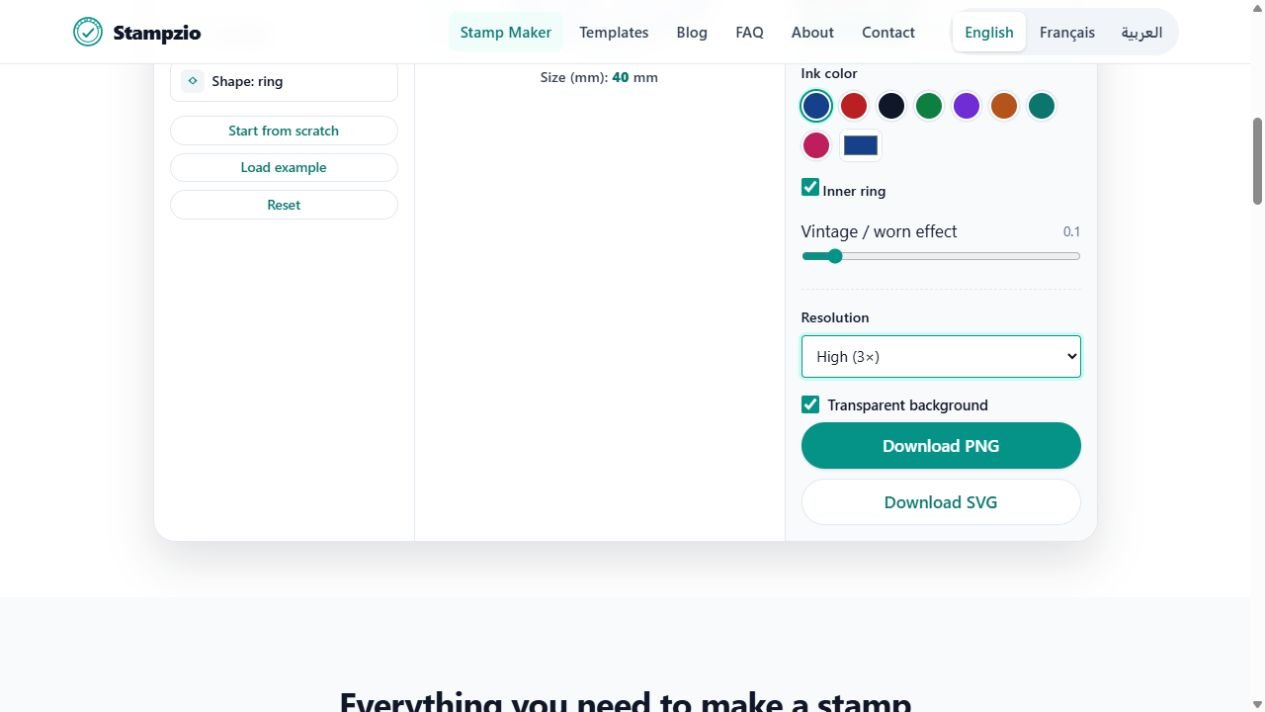
The circle and square canvases are 300 × 300 drawing units; the rectangular canvas is 300 × 200. Standard (1×), High (3×) and Print (10×) multiply those dimensions for PNG export. A rectangular High export is therefore 900 × 600 pixels. SVG keeps the underlying drawing geometry; selecting a higher PNG resolution does not add detail to its embedded images.
| PNG setting | Circle / square | Rectangle |
|---|---|---|
| 1× | 300 × 300 px | 300 × 200 px |
| 3× | 900 × 900 px | 900 × 600 px |
| 10× | 3000 × 3000 px | 3000 × 2000 px |
Check transparency on a coloured background
Leave Transparent background enabled before exporting PNG. Empty areas can then show the document underneath. A white background baked into an uploaded logo remains white: making the canvas transparent does not remove that background from the logo. Obtain a transparent source or prepare the logo before importing it.
What SVG preserves, and what it does not
Vector borders and text can be redrawn at a new size. An embedded PNG or JPEG still has a finite pixel grid, even inside an SVG. Text can also look different when the receiving system lacks the original font. If a supplier requests outlined text, arrange that conversion in a suitable vector editor; Stampzio does not automatically convert every text layer to outlines.
Technical reference: an SVG can contain raster images as well as vector elements.
Inspect the same design in both formats
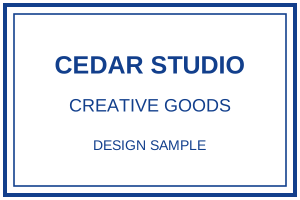
The two files below use the same fictional Cedar Studio design. Download them and compare the curved edges and lettering when enlarged. The 900 × 600 PNG is useful at an appropriate document size; the SVG redraws the vector parts. This comparison contains text and borders, not an imported bitmap logo.
Fictional examples. Opening one replaces your current design; download your work first.

A practical handoff check
- Open the original download and check spelling, accents and the smallest line.
- Insert it at the intended width, with proportions locked. Do not infer millimetres from its size on screen.
- Reopen the saved document or exported PDF and compare it with the original image.
- For manufacturing, send the intended dimensions separately and ask the supplier to confirm fonts, line detail and accepted format.
Find the controls in Stampzio
Calculate dimensions, check PNG transparency and download a true-scale test PDF