Date Received Stamp
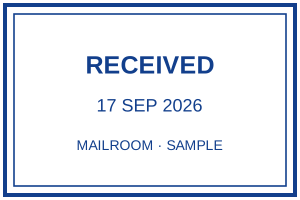
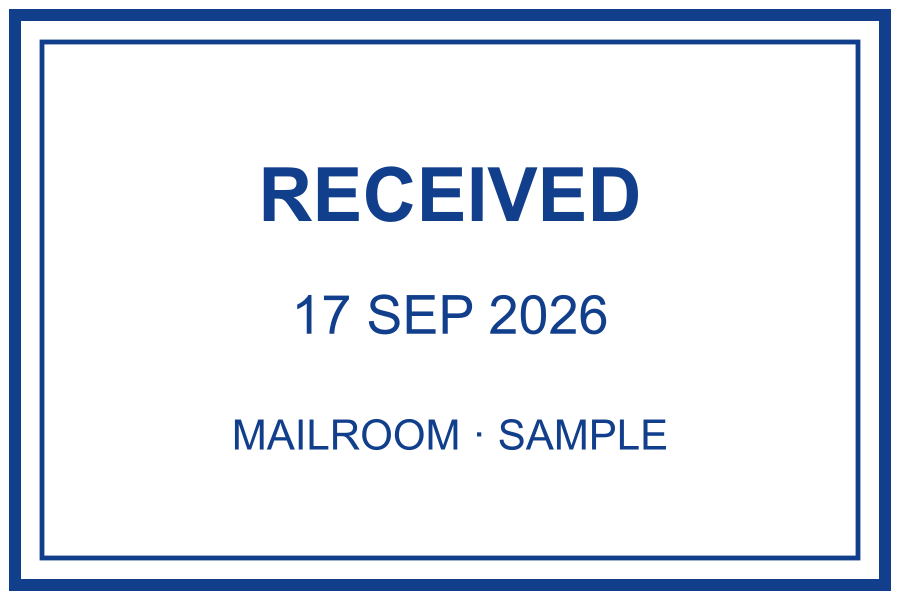
A dated “RECEIVED” office stamp for logging incoming mail and documents.
What you can customize
- Edit individual text layers and fonts.
- Change the border, ink color and spacing.
- Export a transparent PNG for documents or SVG for vector workflows.
Preview wording is sample content. Replace names, dates and numbers before using the design.
Make a “Received” date stamp
Offices use a received stamp to record when a document, invoice or letter arrived. This rounded template shows the word “RECEIVED” with today’s date underneath, and a light worn texture for an authentic rubber-stamp look. Switch the date format to match your region.
For a real self-inking dater you would leave space for the adjustable date band — export the SVG and share it with your stamp supplier.
A practical example
For internal incoming-mail tracking, retain RECEIVED and a clear date. The Date element generates a date when the design renders; a saved PNG does not update itself tomorrow. Download a fresh image for a new date and verify it before use.
Choose a received-stamp layout
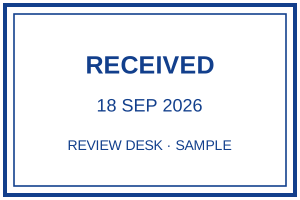
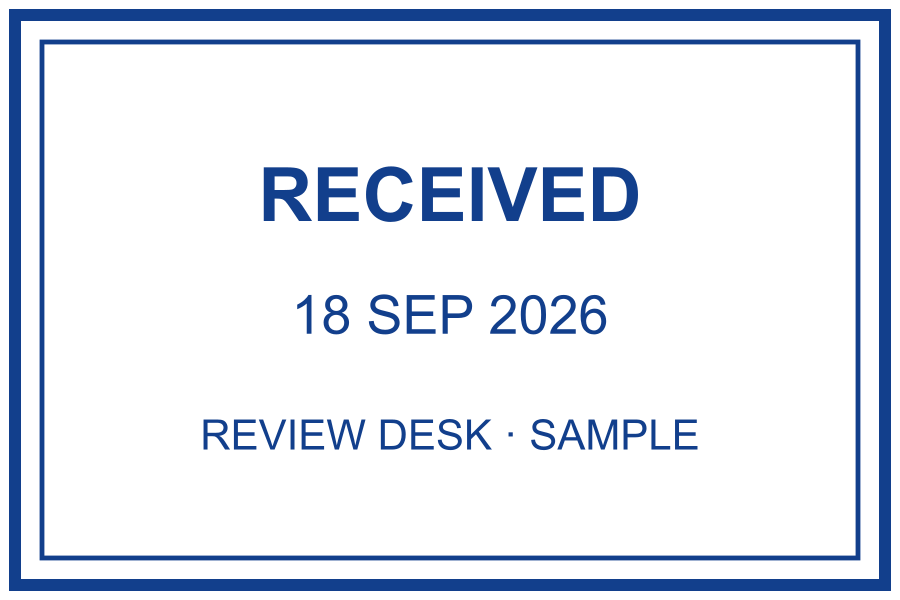
A received label marks an intake step in your own workflow. It does not mean the contents were checked or approved. Decide whether the mark needs the receipt date, the destination desk, or both. Keep the label short enough to read on the final document.
Fictional examples. Opening one replaces your current design; download your work first.
Record an arrival, then route the document
- Start with the Mailroom example for a dated intake, or the Review desk example when the receiving department must be named. Replace the sample desk with your actual destination.
- Enter the arrival date from your intake record. A letter dated Monday but received Wednesday should not silently inherit Monday as its receipt date.
- Keep the incoming reference in the register or document margin. If you put it in the stamp, replace that field for every item; an old reference can route the next document incorrectly.
- Save the marked copy with the incoming reference in its filename and pass it to the responsible desk. Receipt alone should not change the document’s review status to Approved.
Two arrival scenarios to distinguish
A scanned letter may be received before its paper original. If both stages matter, label them explicitly in the register rather than placing two unexplained RECEIVED marks on the page. For an undated reusable stamp, keep the actual receipt date beside the mark or in that register. The example’s date is fixed text: it does not read an email timestamp or update an existing PNG.
Keep routing details visible on the saved copy
Use a blank intake area near the first-page heading, leaving the sender, subject and incoming reference readable. A crowded page may need a separate cover sheet instead of a smaller and smaller stamp. Reopen the saved copy and check that the receiving desk can still identify where the document came from and who must handle it next. Do not overwrite the unmarked original.