Baby Shower Stamp: Names and Date
Compare short and long names, replace the event date and check the design against your label dimensions.
What you can customize
- Edit individual text layers and fonts.
- Change the border, ink color and spacing.
- Export a transparent PNG for documents or SVG for vector workflows.
Preview wording is sample content. Replace names, dates and numbers before using the design.
Personalize a baby-shower label with the names, event and date in that order. The floral square preset is a decorative starting point; the plain comparisons below show what changes when the names become longer.
One line or two?
Fictional examples. Opening one replaces your current design; download your work first.
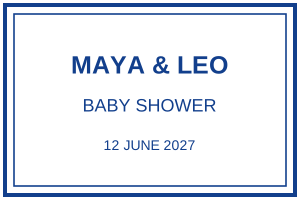
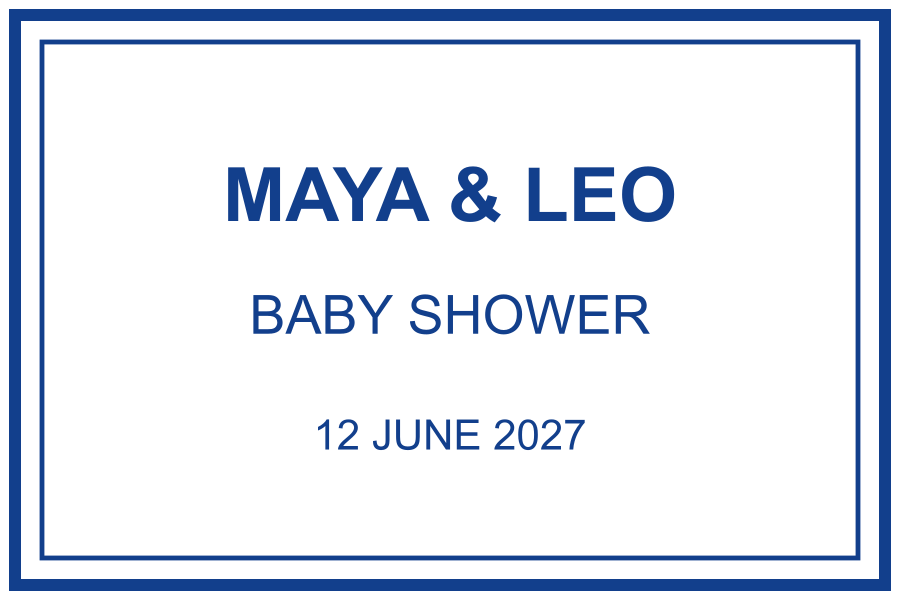
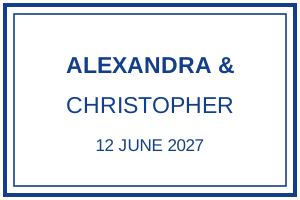
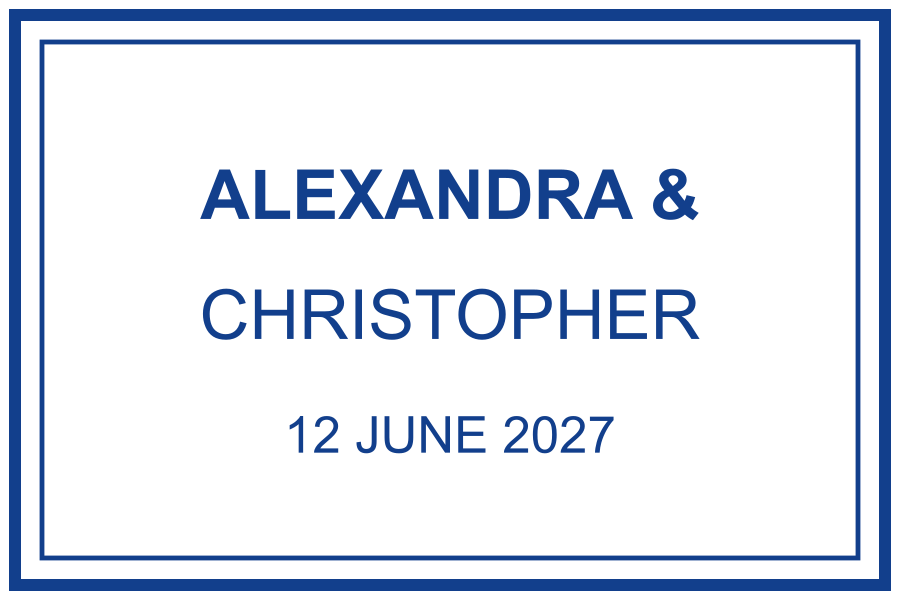
The longer version keeps the names prominent instead of compressing “Alexandra & Christopher” into one small line. Write “Baby shower” elsewhere on the invitation or favour tag if needed.
Choose dimensions around the text
For the square floral design, try a 40 × 40 mm paper proof on a 50 × 50 mm label. This leaves a nominal 5 mm margin around the artwork. The rectangular comparison examples have a different ratio: 45 mm wide means 30 mm high. Do not stretch either file to match the other shape.
Replace every sample detail
- Edit both names and check the spelling with the host.
- Replace the sample date, including the year. It is ordinary text and does not update automatically.
- Remove optional words before reducing the name size.
- Print a copy at the intended dimensions and place it against the actual label.
Decorative flowers can compete with fine lettering. If the proof feels crowded, use the simpler example or ask your manufacturer which details need adjustment. A PNG export checks layout, not the suitability of an ink for your packaging.