Wedding Monogram
Fit two names and an event date with editable examples and an invitation placement illustration.
What you can customize
- Edit individual text layers and fonts.
- Change the border, ink color and spacing.
- Export a transparent PNG for documents or SVG for vector workflows.
Preview wording is sample content. Replace names, dates and numbers before using the design.
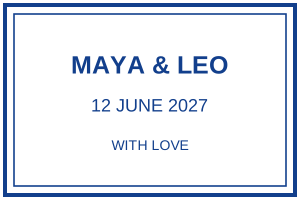
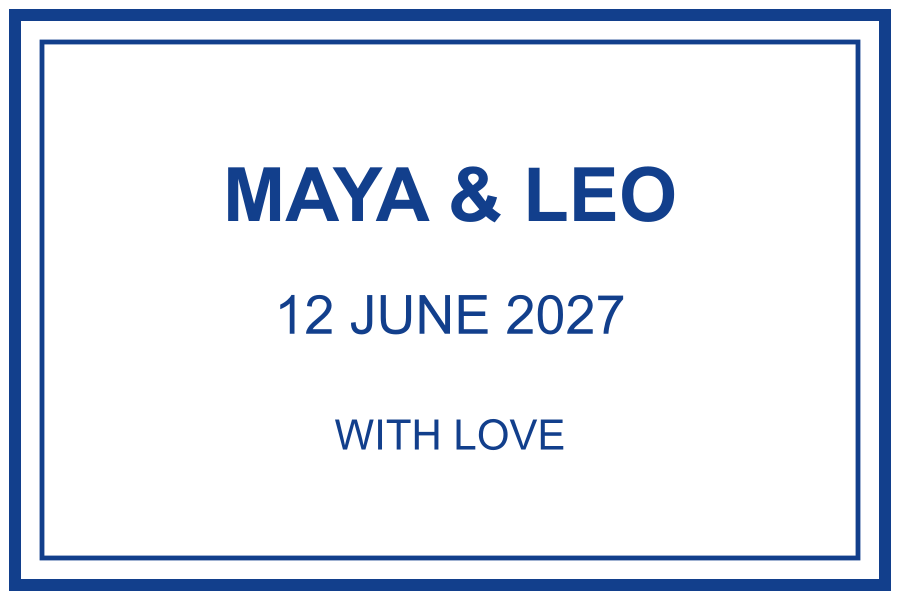
A wedding monogram can lead with initials, full names or a date. Decide which detail matters most before adding decoration. The examples below use fictional names and keep the date separate so it remains easy to check.
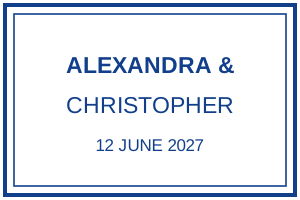
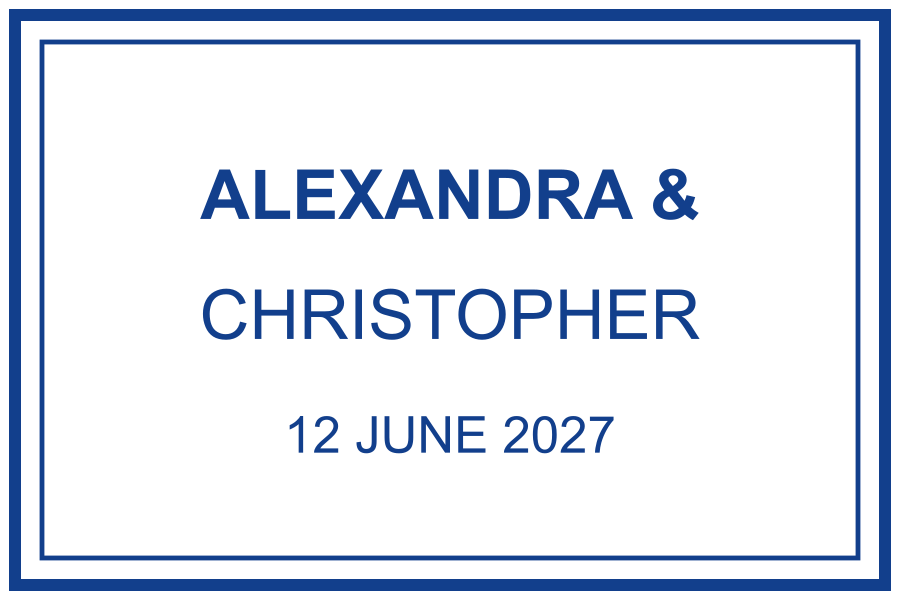
Short names versus long names
Fictional examples. Opening one replaces your current design; download your work first.
Try it on an invitation
FICTIONAL INVITATION · LAYOUT ILLUSTRATION
Please join us
Venue and invitation details belong in the surrounding layout, where they can be read comfortably.
For a 105 × 148 mm invitation, a 45 × 30 mm rectangular mark is one starting point. Leave room for the invitation wording above and below. These are design dimensions, not a physical print test or a required invitation format.
Keep the full names readable
If the initials work as a decorative centre, put full names elsewhere on the invitation. If the stamp must carry the full names, use two lines rather than shrinking a long combined line. Check punctuation and the order of names with the couple.
Replace the sample date before downloading. It is fixed text. Print a proof at the chosen dimensions and compare it with the envelope, invitation and favour tag separately; one design size may not suit all three.