Prepare a Stamp Design for a Print Shop
Printing an image on paper and manufacturing a rubber stamp are different jobs. A design that looks good on screen can contain lines too fine for a particular stamp material. Ask the supplier for its artwork requirements before spending time on decorative details.
Agree on the finished size first
Tell the supplier the intended width and height in millimetres, the shape and whether you want a handheld or self-inking stamp. Ask about the smallest permitted text, minimum line thickness, safe margins and accepted file formats. These limits depend on the supplier and production process.
Simplify the artwork
Use one clear ink colour, short wording and a readable font. Remove unnecessary small symbols. For a clean production master, reduce the vintage effect: simulated wear may become missing material in a physical stamp. Review each text layer for spelling and replace all demonstration details.
Send SVG plus a visual reference
Download SVG for scalable artwork and PNG as a reference preview. Stampzio SVG can contain text that depends on available fonts and embedded images that have their own resolution limits. Ask the supplier to check fonts and convert text to outlines if its workflow requires that. Vector export does not automatically turn an uploaded bitmap logo into vector paths.
Confirm actual physical dimensions
Send the requested dimensions separately in your order message. Do not rely on a supplier opening an SVG at the correct physical size: its viewport is expressed in drawing units. A round 40 mm design should be explicitly requested as 40 mm in diameter. Do not mirror the file unless the supplier specifically asks you to.
Approve a proof before production
Ask for a proof showing the final dimensions, wording and line detail. Check the smallest letters at actual size and confirm whether the proof is the artwork face or the eventual stamped impression. Keep the approved proof and your original export. A design preview does not guarantee a compliant notary, medical or other regulated seal.
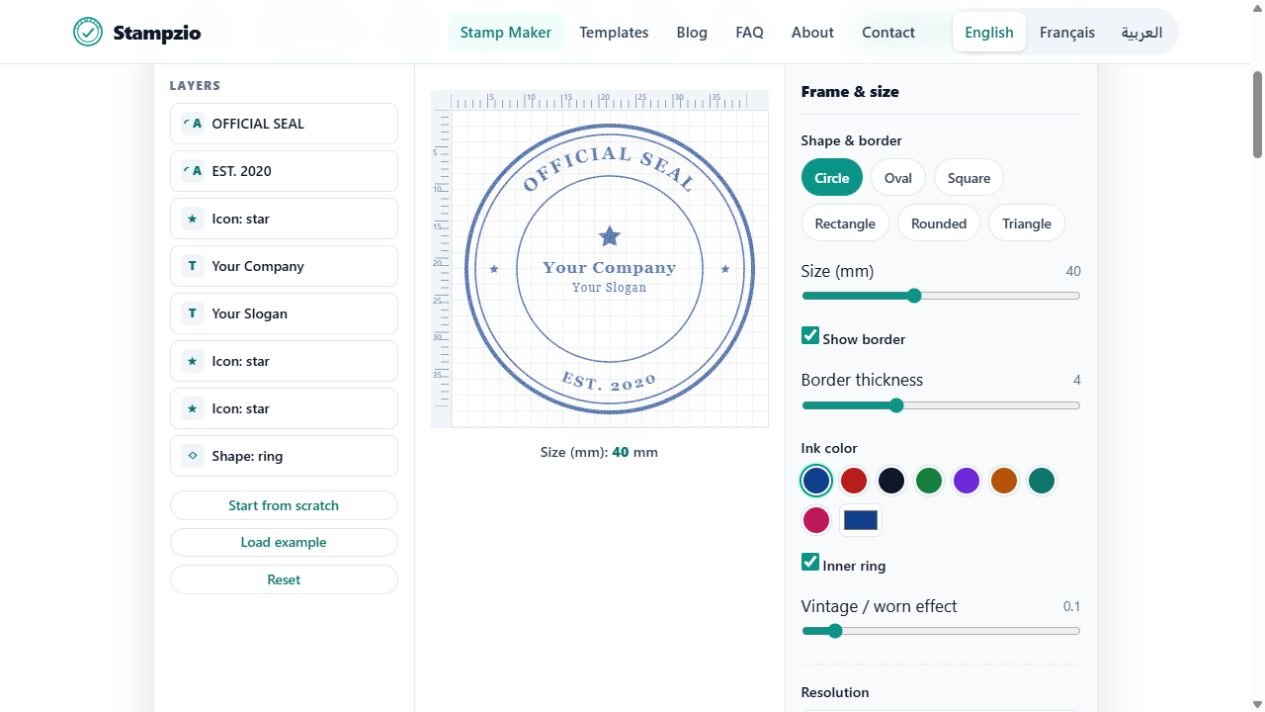
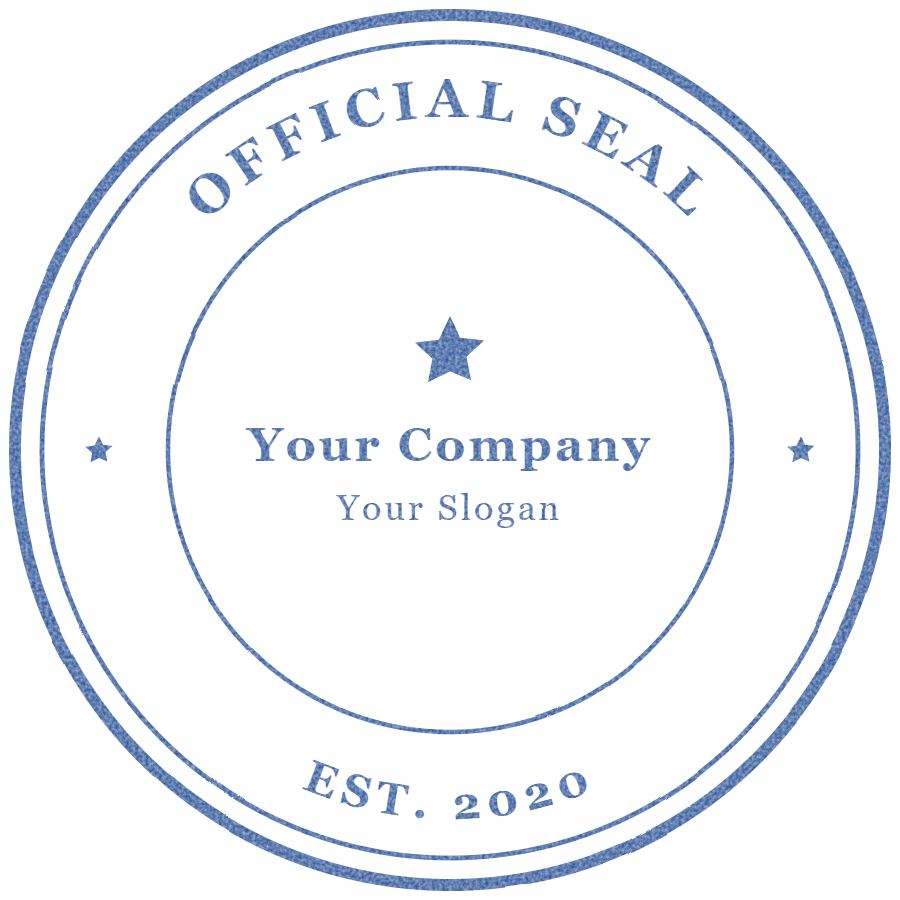
Example exports — fictional sample, not an authorized seal: PNG · SVG.