Stamp Images, Electronic Signatures and Seals: What to Check
A stamp image does not, by itself, verify a signer’s identity or detect later changes to a document. Whether using an image has a legal effect depends on the document, the act of signing and the applicable rules. Do not judge validity from a circular border, a signature picture or the words “official seal”.
Four things that should not be confused
| Term | What to look for |
|---|---|
| Stamp image | A visible PNG or SVG graphic. Stampzio creates this. |
| Electronic signature | A signing act using electronic data; it need not always use cryptography. |
| Digital signature | A cryptographic mechanism, distinct from the visible picture. |
| Electronic seal | A separate concept whose requirements depend on the applicable framework. |
A regional example, not a worldwide rule
The European Commission distinguishes electronic signatures from cryptographic digital signatures. In its eIDAS explanation, signatures relate to natural persons and seals to legal persons. Simple, advanced and qualified levels have different requirements. Consult its guidance for the European framework rather than extending it to every country. European Commission — eSignature FAQ.
Stampzio does not issue a signing certificate, verify your identity, bind a certificate to a document or provide a document-validation report. Its PNG/SVG downloads are graphics. A recipient who sees the image cannot use the image alone to establish the signing process behind it.
Choose the workflow before drawing the mark
- Label an internal draft
- A visible DRAFT label may be all the reader needs. Keep document permissions and version control separate.
- Show that an invoice is paid
- Check the actual transaction and retain the payment record. A PAID image does not connect to your payment system.
- Sign an agreement or submit an official form
- Ask the recipient which signing process and evidence it accepts before using a picture.
- Prepare a regulated professional seal
- Get the required wording, dimensions and production procedure from the responsible authority.
Questions to send to the recipient
- Which jurisdiction and document procedure apply?
- Is a visible label enough, or is a particular signature or seal process required?
- How should identity, authority and the final document version be checked?
- Which file must be retained, and how will the recipient validate it?
Keep the evidence with the document
An image is easy to copy into another file. Keep the actual approval or transaction record separately, and retain the final document version used in your process. If a signing service supplies a validation result, inspect that result through the intended workflow rather than treating the decorative image as verification.
This is a guide to the boundaries of a design tool, not a legal opinion about your document. Obtain advice from the relevant authority or a qualified professional when a legal outcome depends on the method used.
Recognize the visual mark in context
Fictional examples. Opening one replaces your current design; download your work first.
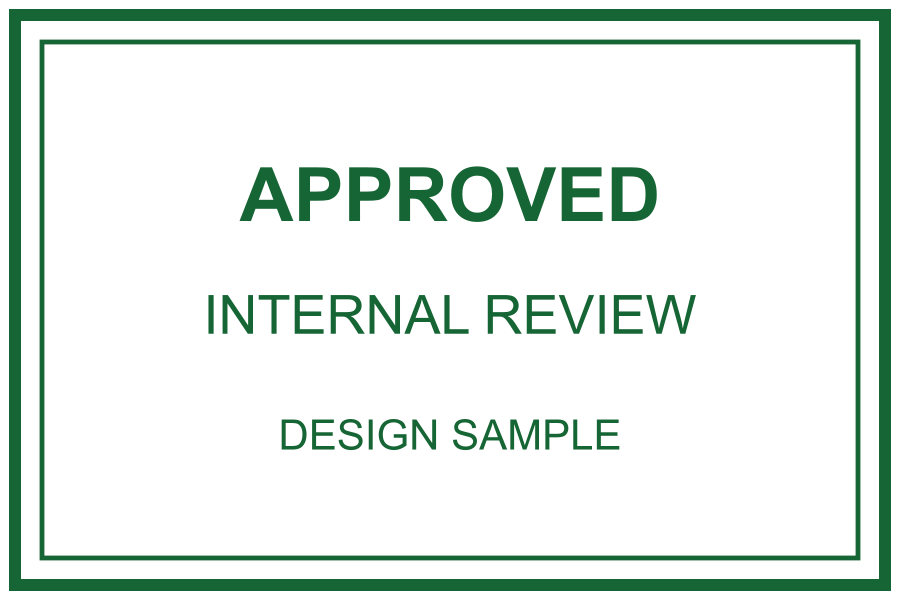
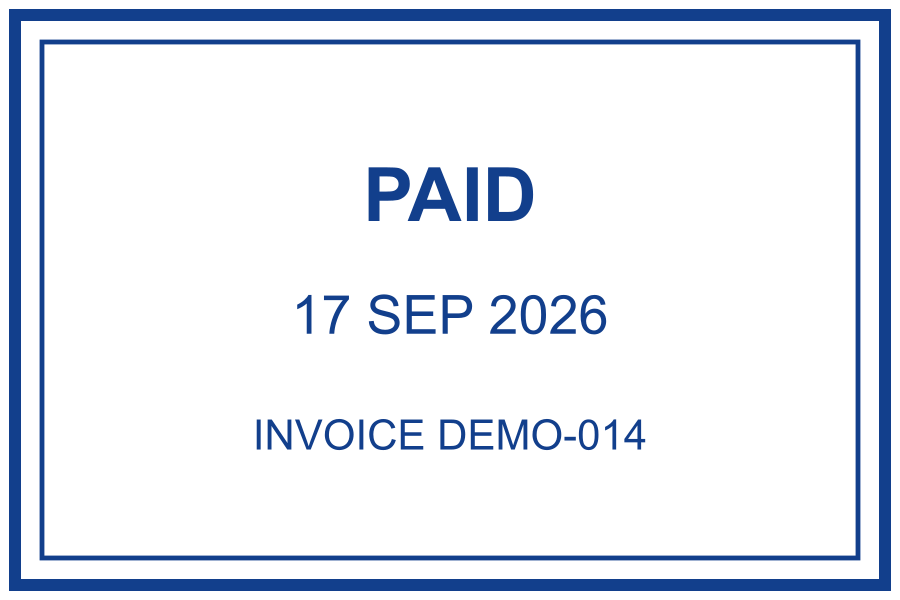
These two images communicate a status to a reader. Their colours and borders do not add identity verification or protect the document from changes. A signing system’s certificate and verification result are different things from the visible artwork it may display.